

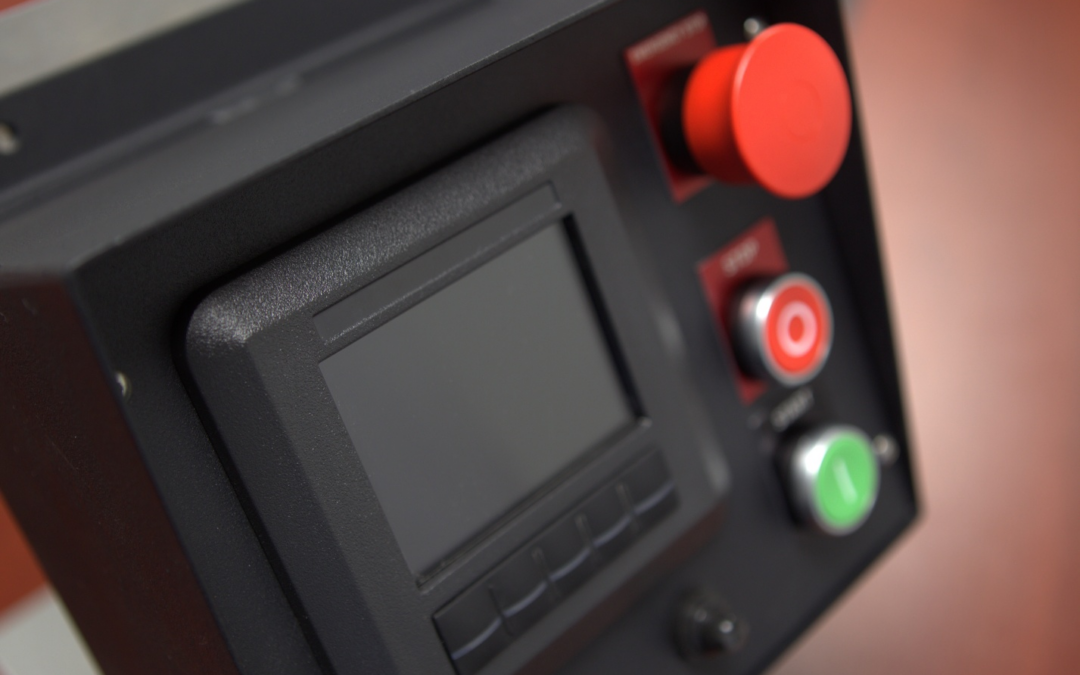
Choosing a J1939 diesel engine controller is not only about finding a display that can communicate with an engine ECU. For many OEMs and equipment builders, the controller becomes part of the machine’s overall control system.
Depending on the application, the controller may need to display engine data, monitor diagnostics, support speed control, manage shutdowns, respond to external inputs, or guide the operator through engine-related events. Ensuring that the controller can display and interact with application-critical data can be crucial to the success of your product. That is why customizability matters.
J1939 Compatibility Is Only the Starting Point
The J1939 communication protocol used by diesel engine controllers allows information to be exchanged between the display and the engine ECU over the CAN bus. That communication can include engine speed, temperature, pressure, fault codes, and other operating data.
However, CAN communication alone does not mean the controller is the right fit for the application. A pump package may need automatic start and stop behavior, while agricultural equipment may require rugged operation, operator screens with clear messaging, and machine-specific warnings.
The controller should not just communicate with the engine. It should support how the equipment actually operates.
Custom I/O Helps Fit the Machine
Many applications require the controller to interact with more than just the engine ECU. The controller may also need to monitor sensors, switches, and safety circuits that are specific to the equipment.
For example, a fuel level sender may need to be configured around a specific tank, sender range, or display requirement. An external shutdown input may need to be integrated with pressure switches, temperature switches, emergency stop circuits, or other safety devices used to protect the engine and equipment operator.
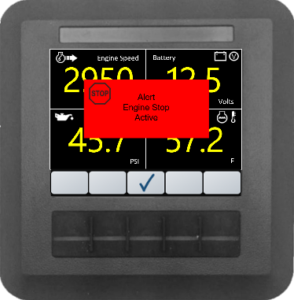
When these signals are built into the controller logic, the system can respond appropriately and provide clearer information to the operator.
Custom Screens Improve Operator Experience
The display is the part of the control system the operator interacts with most. A generic screen may show engine data, but a customized screen can make the equipment easier to operate, understand, and support.
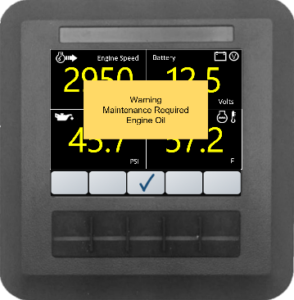
Customer branding can help the controller appear as a more integrated part of the finished equipment. Fault history screens can assist service technicians by providing access to previous faults or shutdown events. Clear regeneration prompts can help operators understand when action is required, when a regeneration event is in progress, or when after treatment-related inducements are active.
Custom Logic Supports the Application
In many machines, the controller does more than monitor the engine. It helps manage how the equipment starts, runs, responds to faults, and shuts down.
Auto-start behavior is one example. The controller may need to start the engine based on an external signal, float switch, pressure switch, timer, or other machine condition.
Fault handling is another important example. Some conditions may require immediate shutdown, while others may only require a warning, event log, or operator message. Custom logic allows the controllers’ response to better match the needs of the equipment.
MBW Can Customize Controllers for Your Application
MBW Technologies works with OEMs and equipment builders to configure J1939 diesel engine control solutions for their applications. This may include custom screens, configurable inputs and outputs, diagnostic handling, auto-start behavior, and application-specific control logic.
Instead of forcing the equipment to fit a fixed controller, MBW can help adapt the control system to the engine, machine, and operating requirements.
Need a J1939 diesel engine controller configured for your equipment? Contact MBW Technologies to discuss your engine, control requirements, display needs, and application-specific functionality.